 ted
ted
Quick start
ted works on files and folders as they are on your disk: there is no project to create. This page goes through a first session.
Open something
With nothing open, ted shows its empty state: Open file…, Open folder…, and the folders and files you opened last.
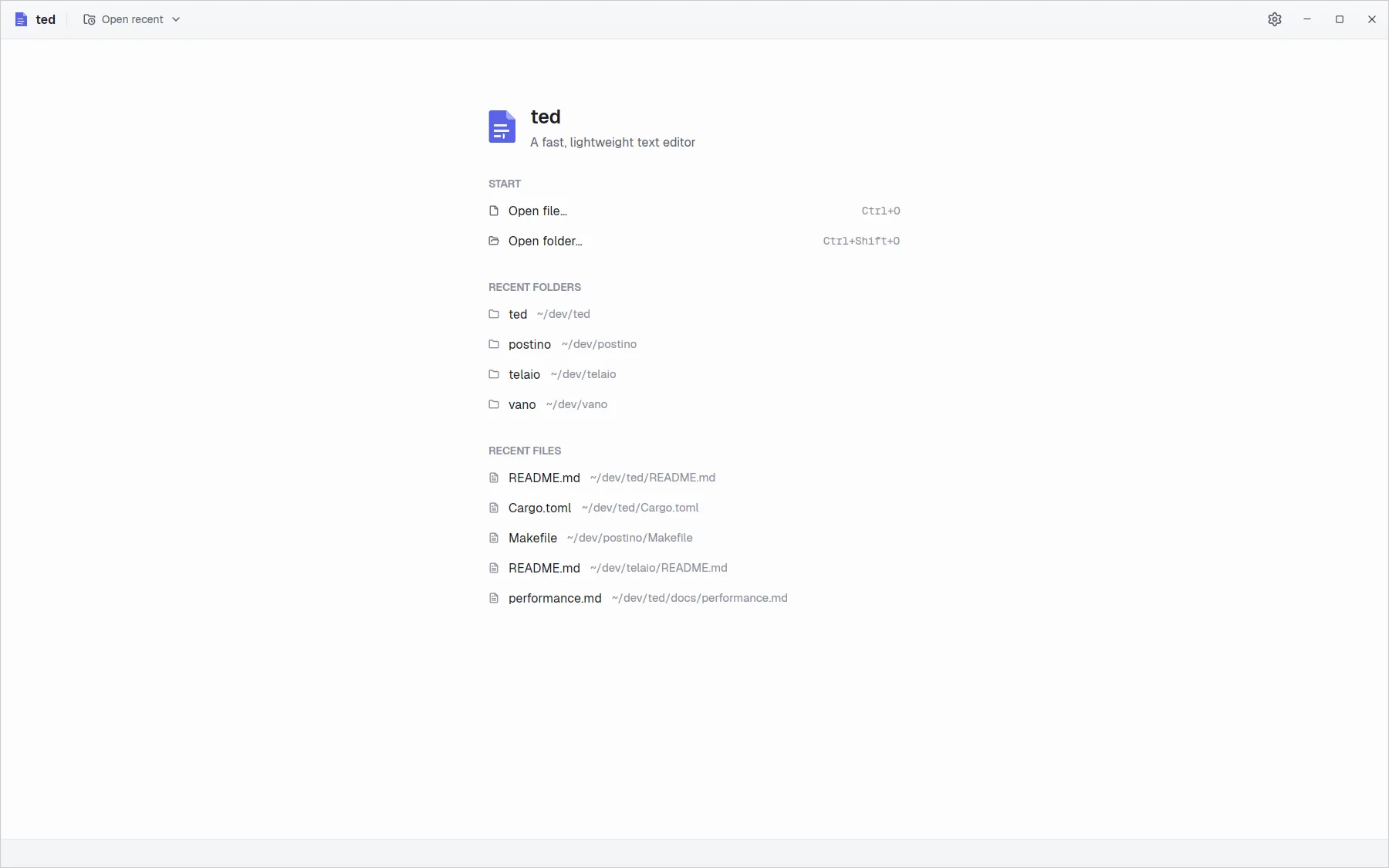
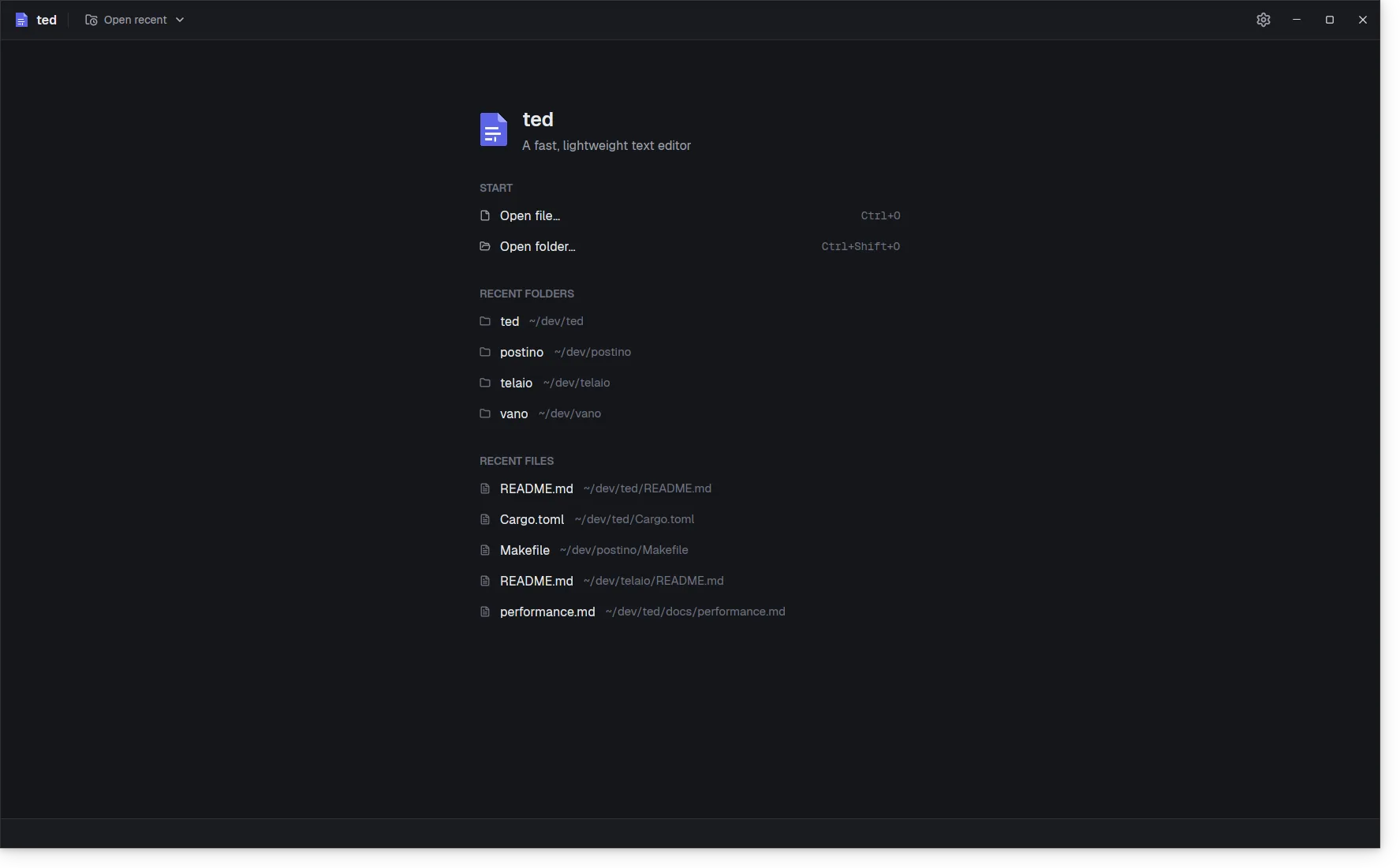
- A file (Ctrl O) opens on its own: the editor fills the window.
- A folder (Ctrl Shift O) opens with the explorer on the left. Every file you open from it gets a tab.
From a terminal, ted notes.md opens a file, ted . the current folder, and ted a.txt b.txt several files in tabs. See Command line.
Edit and save
Type as in any editor: the arrows, Home, End, Page Up and Page Down move, Shift selects, Tab indents. Undo with Ctrl Z. A file with unsaved changes shows a dot in its tab and in the window title. Save with Ctrl S. See Editing text and Saving.
Find
Ctrl F opens the find bar. Type, and ted selects the first match after the cursor and counts them all. Enter goes to the next one, Shift Enter to the previous one, Esc closes the bar. See Find in file.
Make it yours
The gear at the top right, or Ctrl ,, opens Settings: the language, light or dark, the font sizes, line numbers, the minimap, the tab size. Changes apply at once. See Settings.