 ted
ted
ted documentation
ted is a fast, lightweight, native text editor for Linux, Windows and macOS. It opens a single file, several files in tabs, or a whole folder with its explorer, and it stays quick with files of hundreds of megabytes.
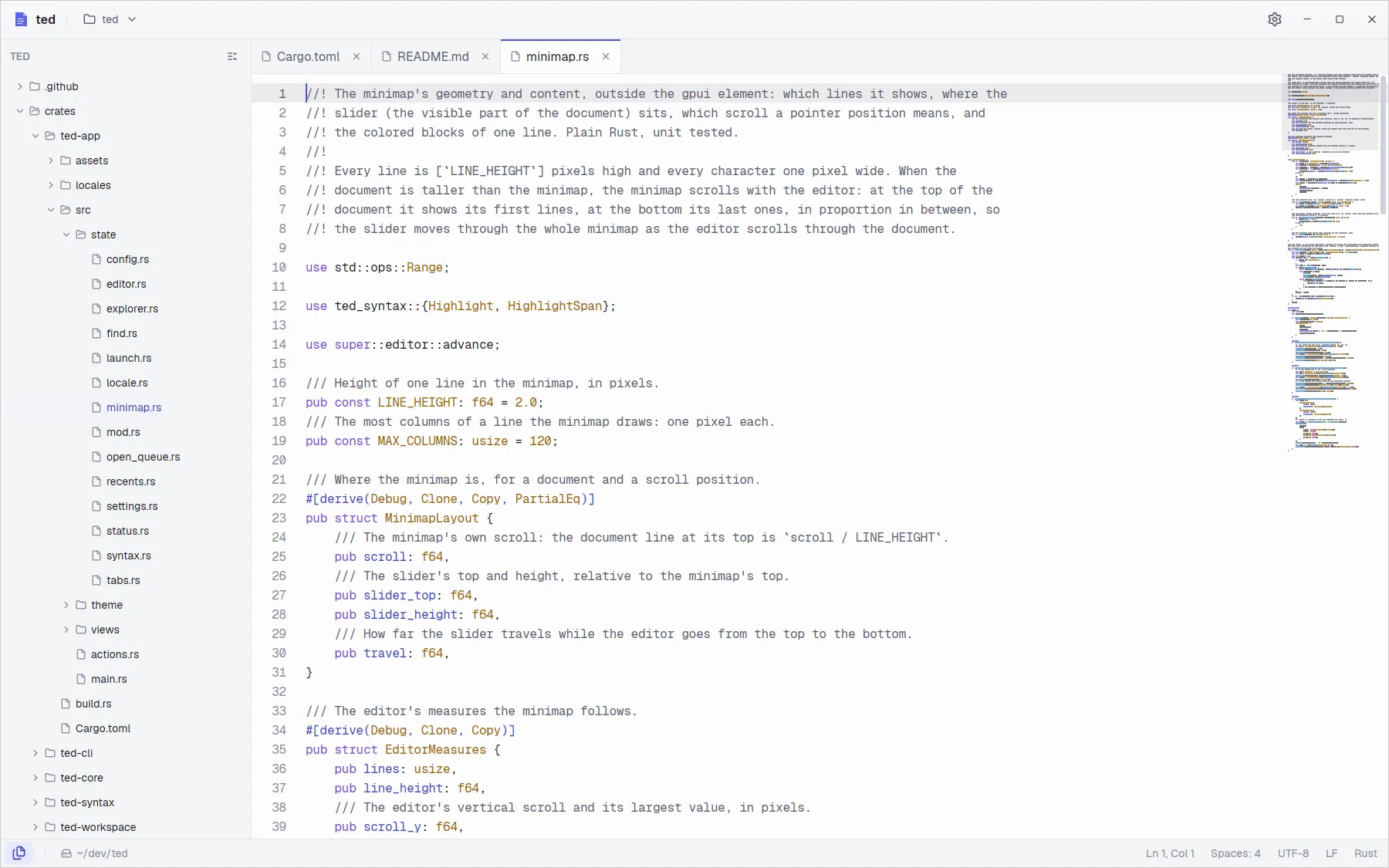
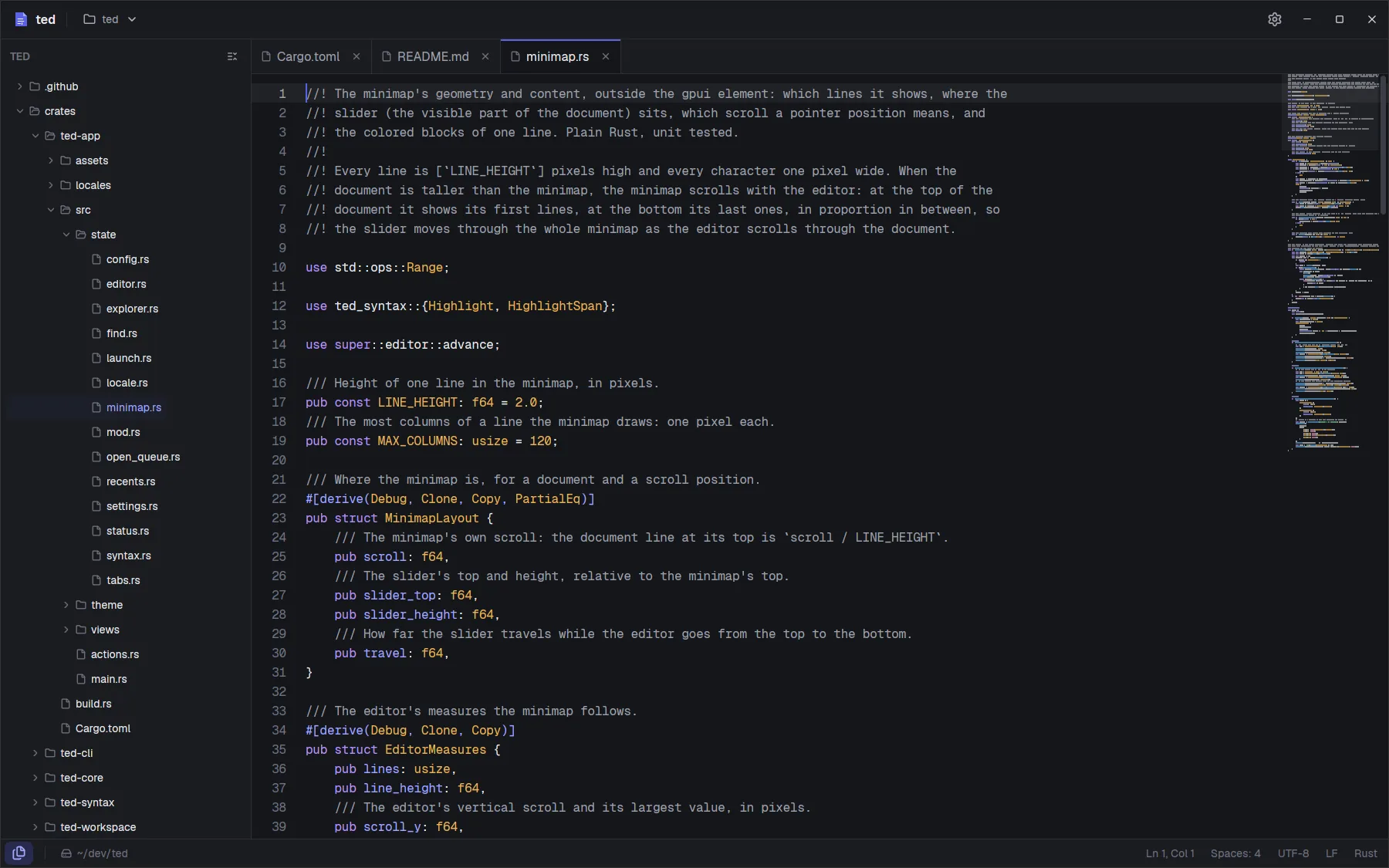
What ted is good at
- Opening anything at once. The first screen of a 100 MB log shows in under 100 ms; the rest loads in the background while you read.
- Browsing big folders. The explorer reads a folder only when you expand it, so a folder with a hundred thousand files opens at once.
- Staying out of the way. There is no blinking cursor and no timer: with nothing to do, ted uses no CPU and no GPU.
- Being plain. No account, no telemetry. The settings are a text file you can read and copy.