 ted
ted
Find in file
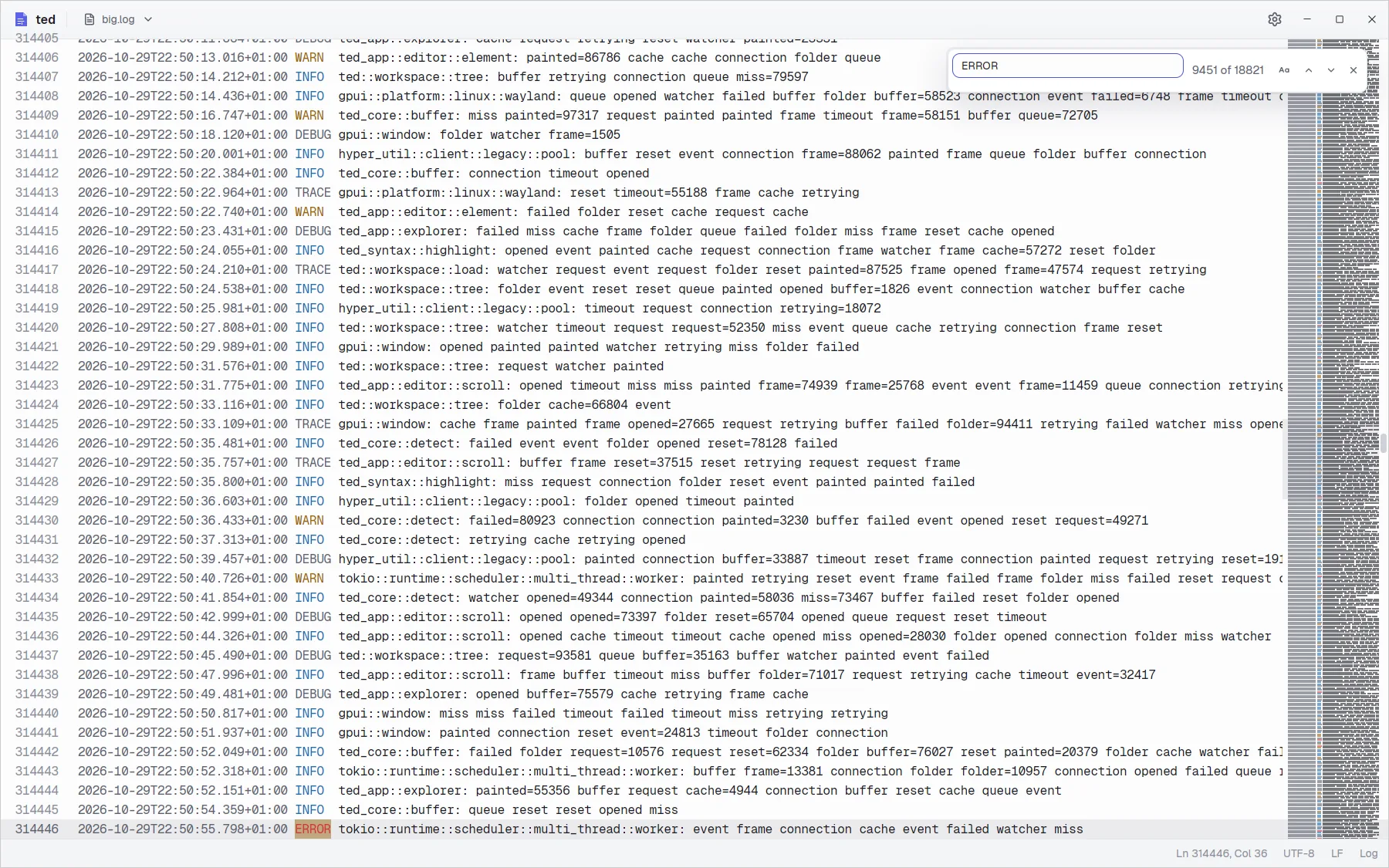
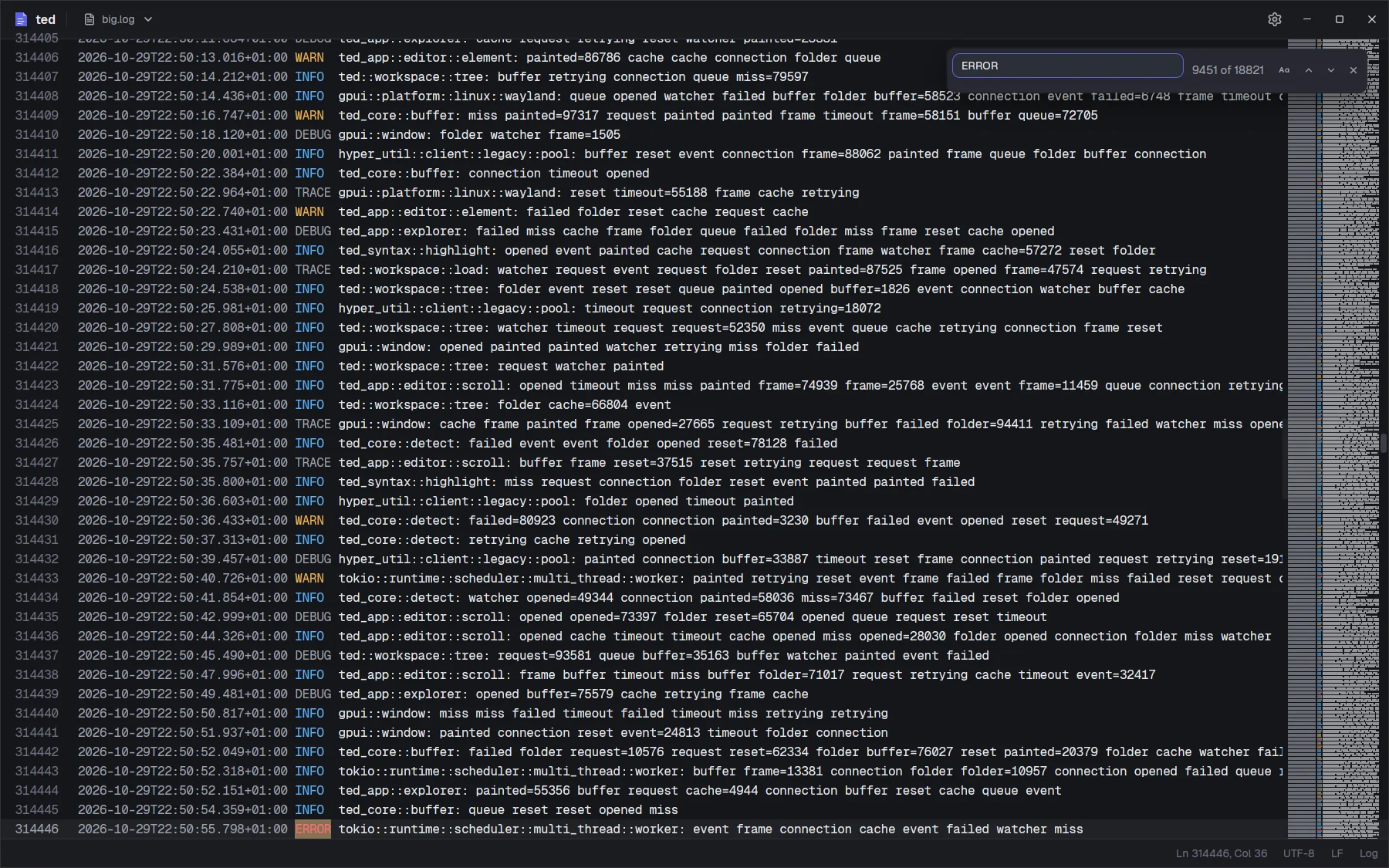
Ctrl F opens the find bar at the top right of the editor, with the selected text in it when the selection is on one line.
Using the find bar
- Type, and ted selects the first match after the cursor. Every match on screen is tinted.
- Enter or F3 goes to the next match, Shift Enter or Shift F3 to the previous one, wrapping around the end of the file. The arrows of the bar do the same.
- The counter shows which match is selected,
3 of 120, orNo results. - The Match case button,
Aa, makes the search case sensitive. Without it, the search ignores case in every language. - Esc or the cross closes the bar and puts the cursor back in the text, the match still selected.
The text is matched literally: a . or a * means itself.
Big files
ted counts the matches in the background, a few megabytes at a time, so the window never waits; a 100 MB log is counted in about 30 ms. While it counts, the counter ends in …. When a file has more than 100,000 matches, next and previous still work, and the counter shows the total.