 ted
ted
The interface
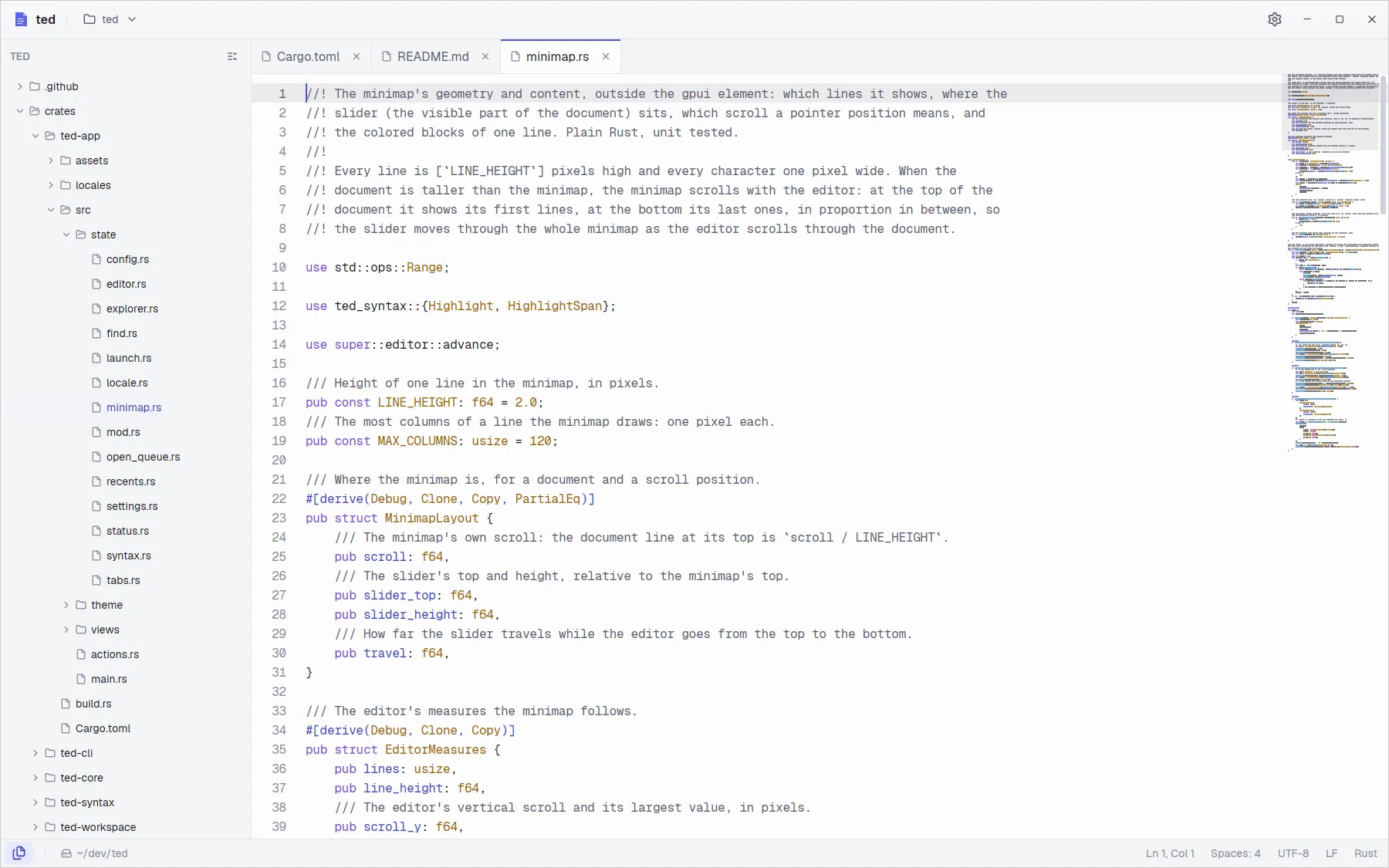
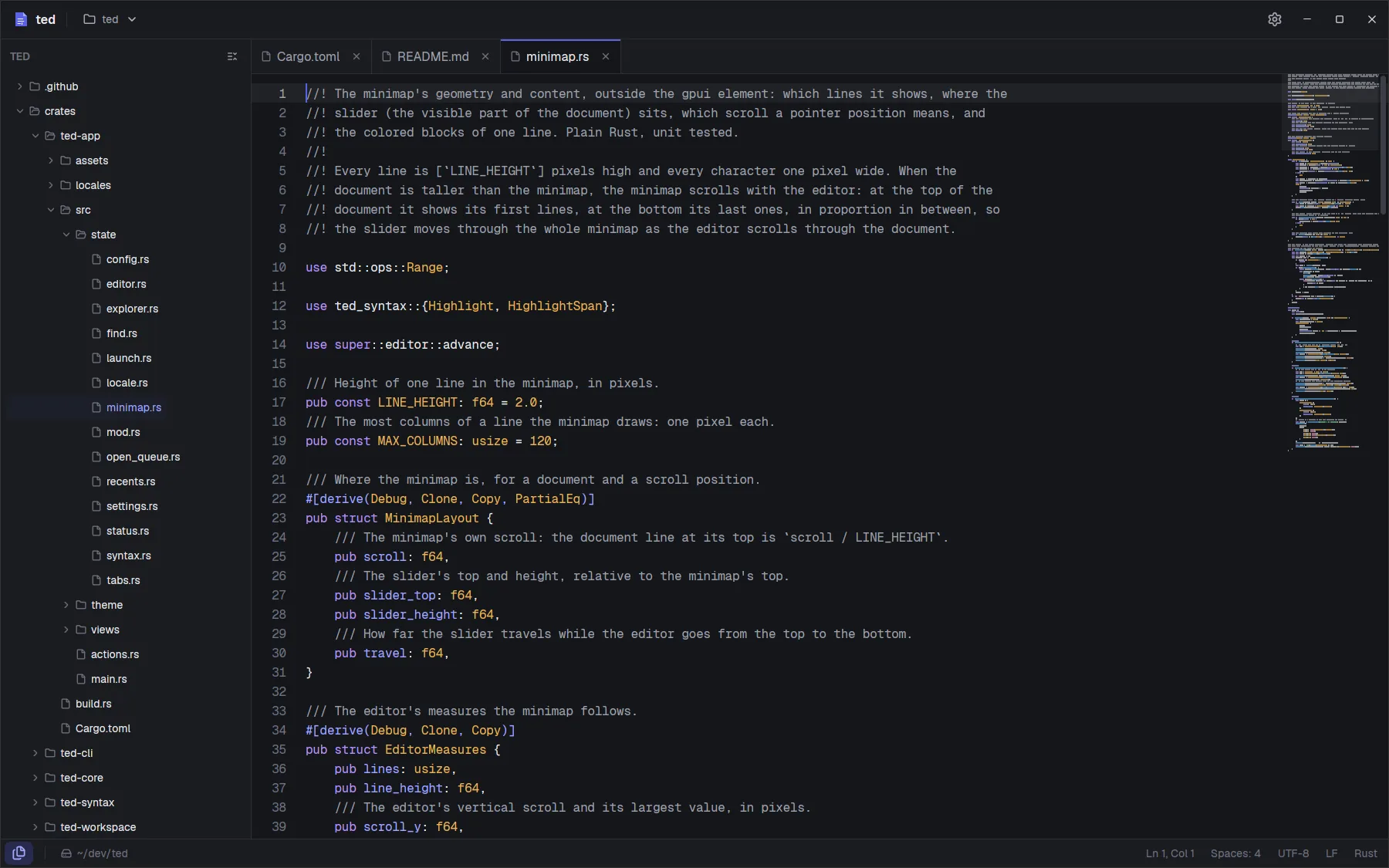
This page names every part of the window, so the rest of the documentation can refer to them.
Title bar
- Switcher. Right of the app name, it shows what is open: the folder, or the file shown. Click it for the recent folders and files, Open file… and Open folder….
- Settings. The gear opens Settings (Ctrl ,).
On Linux ted draws its own window frame, with the minimize, maximize and close buttons at the right of the title bar.
Explorer
In folder mode, the explorer on the left lists the folder. Folders are read when you expand them, files listed in .gitignore are hidden, and so are the patterns of the Exclude setting (.git, target and node_modules by default). Changes on disk show up on their own.
Click a file to open it. With the explorer focused, ↑ and ↓ move, ← collapses or goes to the parent folder, → expands or goes to the first child, and Enter opens. Collapse all sits in the explorer's header. Drag the explorer's right edge to resize it. See Folders and tabs.
Tabs
Every open file has a tab above the editor: in folder mode always, and with several files opened together. A dot in place of the cross means unsaved changes. See Tabs.
Editor
The line numbers on the left, the text, and the line of the cursor highlighted. Both can be turned off in Settings. Code and logs are colored: see Syntax highlighting.
Minimap
The column at the right of the text draws every line of the file small, in its colors. The lighter band is the part on screen. Drag it to scroll, or click elsewhere in the minimap to jump there; the wheel over it scrolls the editor. When the file is taller than the minimap, the minimap scrolls with the editor. It hides when the window is narrow, and the Minimap setting turns it off.
Status bar
In folder mode it starts with the Files toggle, which shows or hides the explorer (Alt 1), and the folder's path; click the path to open it in your file manager. At the right: the cursor position (Ln 12, Col 5), the indentation of the file (Spaces: 4 or Tabs), the encoding, the line ending (LF or CRLF) and the language.