Open source Free for everyone, Apache-2.0

The text editor that opens anything at once

ted is a native, lightweight text editor. A 100 MB log shows up in under 100 ms and scrolls at your display's refresh rate, a folder of a hundred thousand files opens without waiting, and nothing runs while you are not typing.

For Linux, Windows and macOS

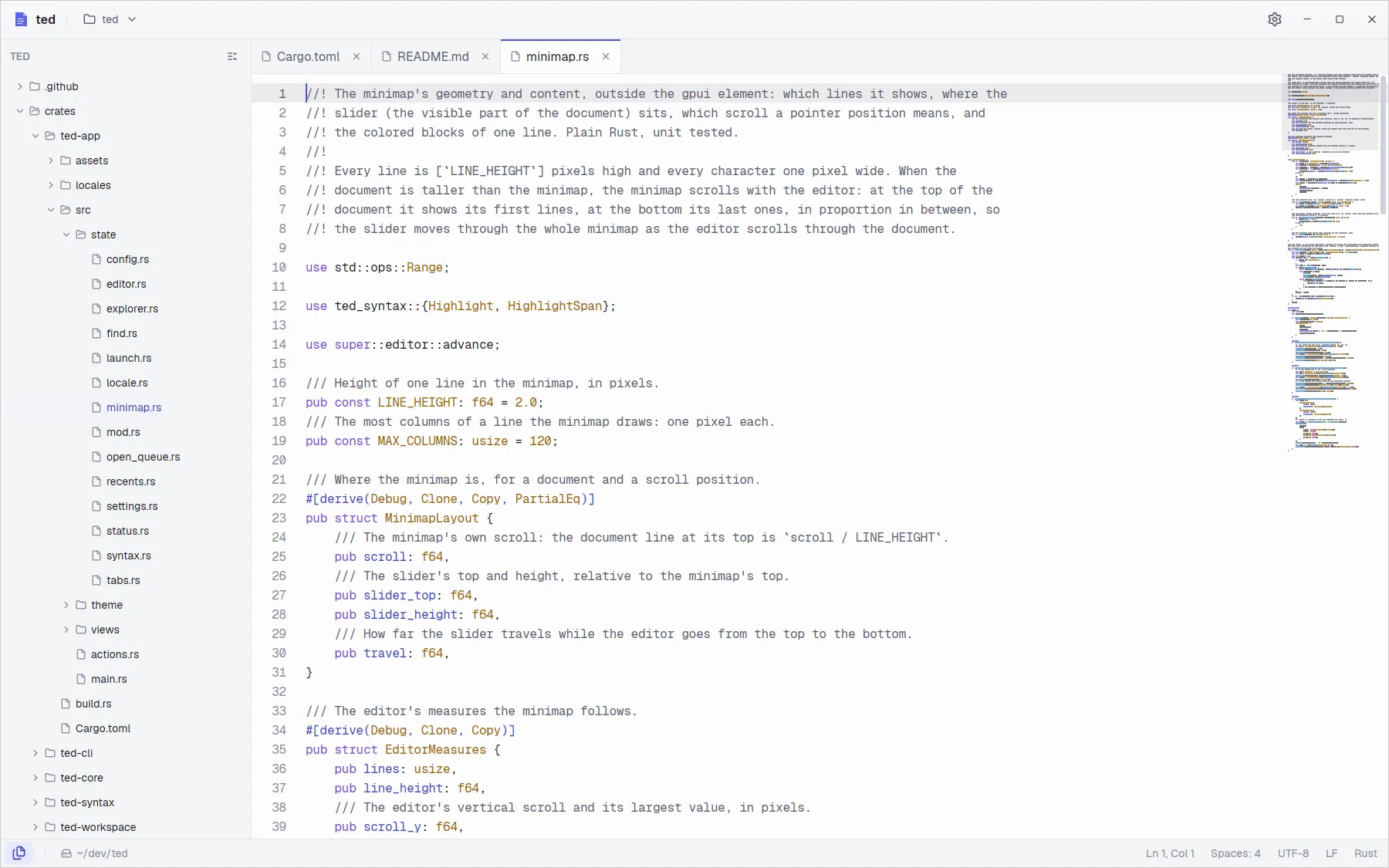
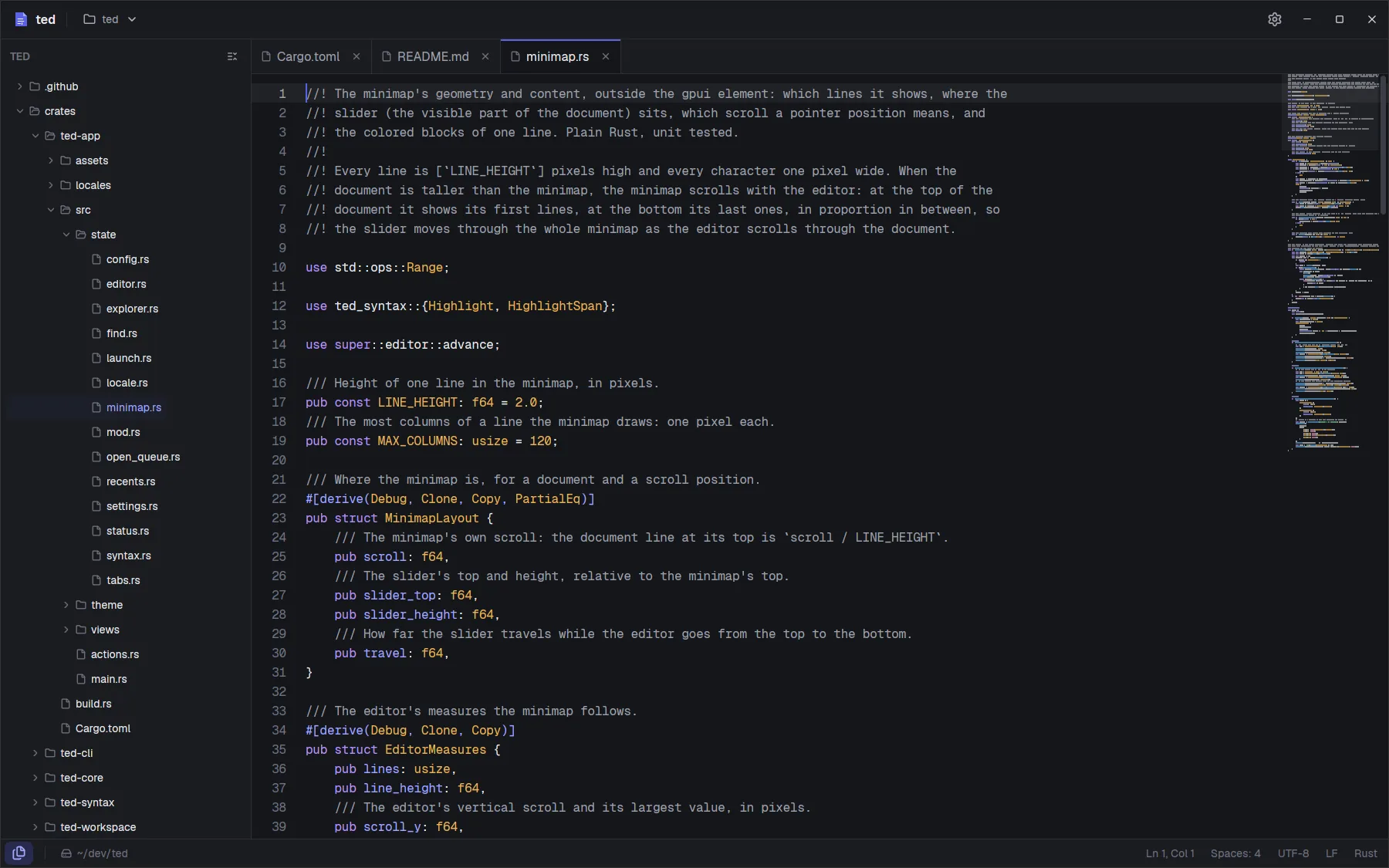
The ted window: the explorer of a Rust project, three tabs, highlighted code and the minimap. The ted window: the explorer of a Rust project, three tabs, highlighted code and the minimap.
  • Native, not a browserWritten in Rust on gpui, the GPU accelerated UI framework behind the Zed editor.
  • Big files, no waitingOnly the lines on screen are laid out, so a 100 MB log costs about what a small file does.
  • Idle means idleNo timers and no blinking cursor: with nothing to do, ted uses no CPU and no GPU.
  • Yours to keepOpen source under Apache-2.0. No account, no telemetry, settings in a plain text file.
Features

Everything a text editor needs, and fast

Open a file on its own or a whole folder with its explorer and tabs. Code and logs are highlighted, and the minimap shows where you are.

Logs of any size

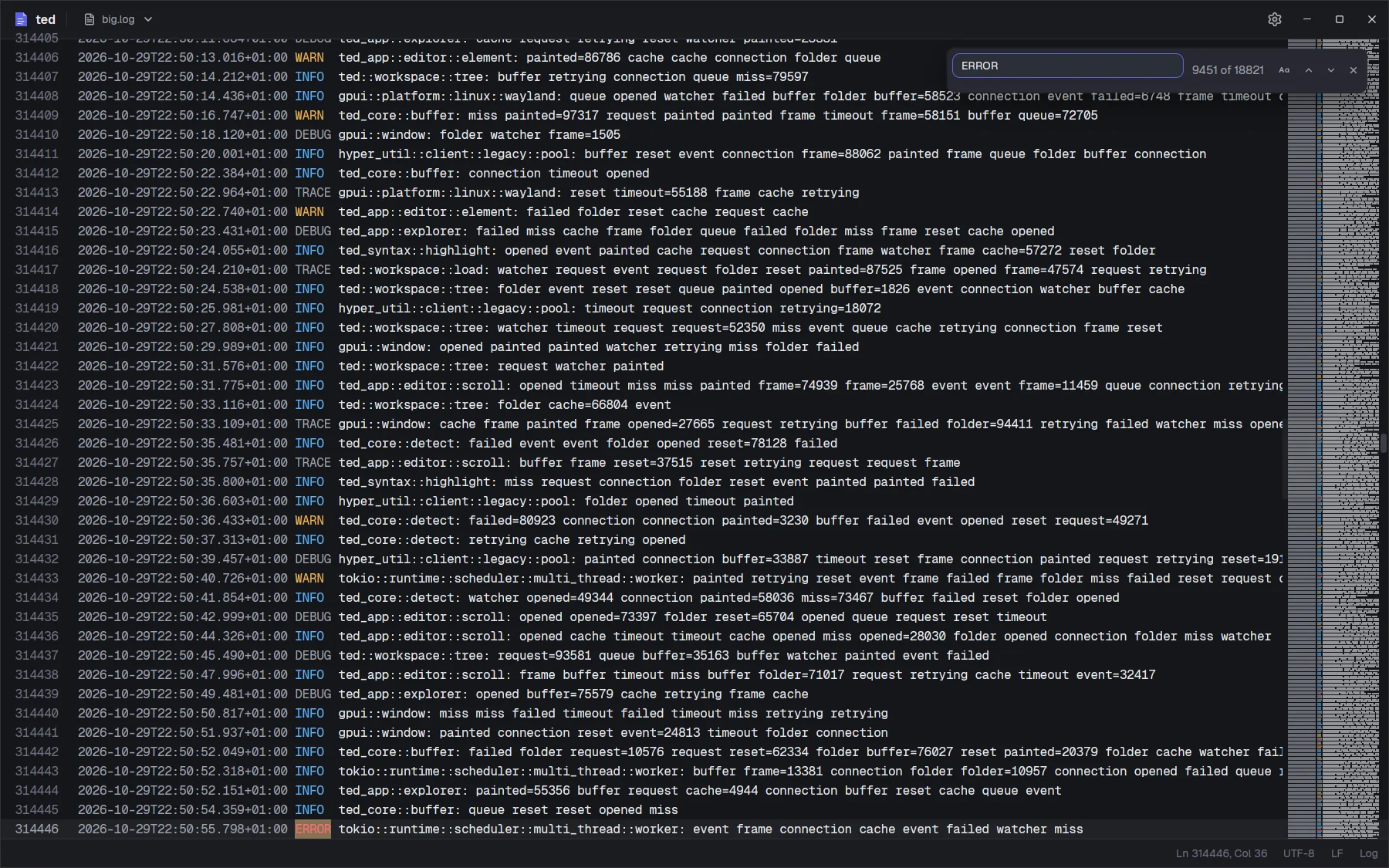
Open a log of hundreds of megabytes and start reading at once: the first screen shows while the rest loads in the background. Find counts every match behind the scenes, so the window never waits.

  • The first screen of a 100 MB log in under 100 ms
  • Levels and dates highlighted, at any size
  • Find in file with a match counter, case sensitivity and F3
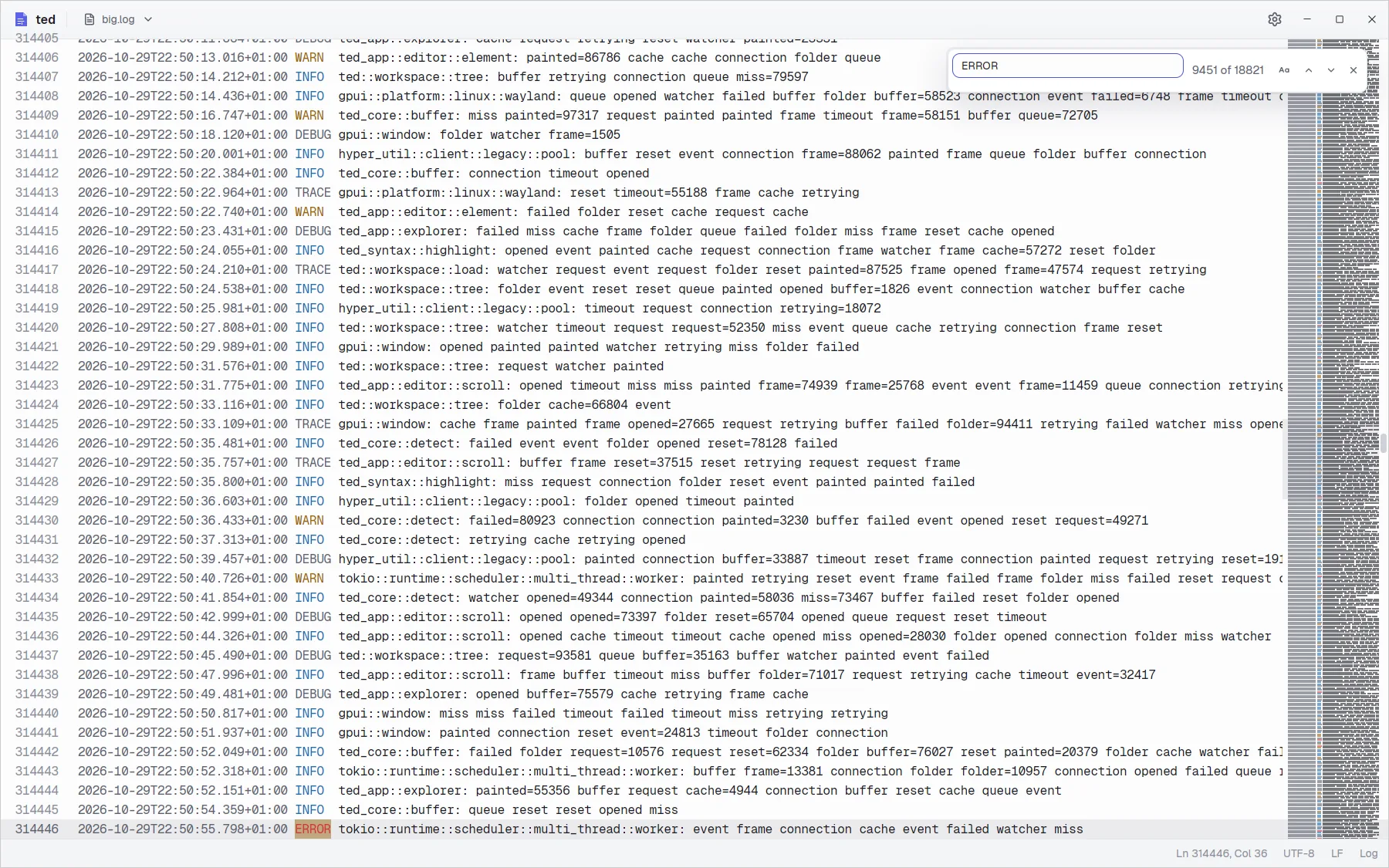
A 100 MB log open at line 314,446 with the find bar showing match 9,451 of 18,821 for ERROR, and the minimap on the right. A 100 MB log open at line 314,446 with the find bar showing match 9,451 of 18,821 for ERROR, and the minimap on the right.

Settings that apply at once

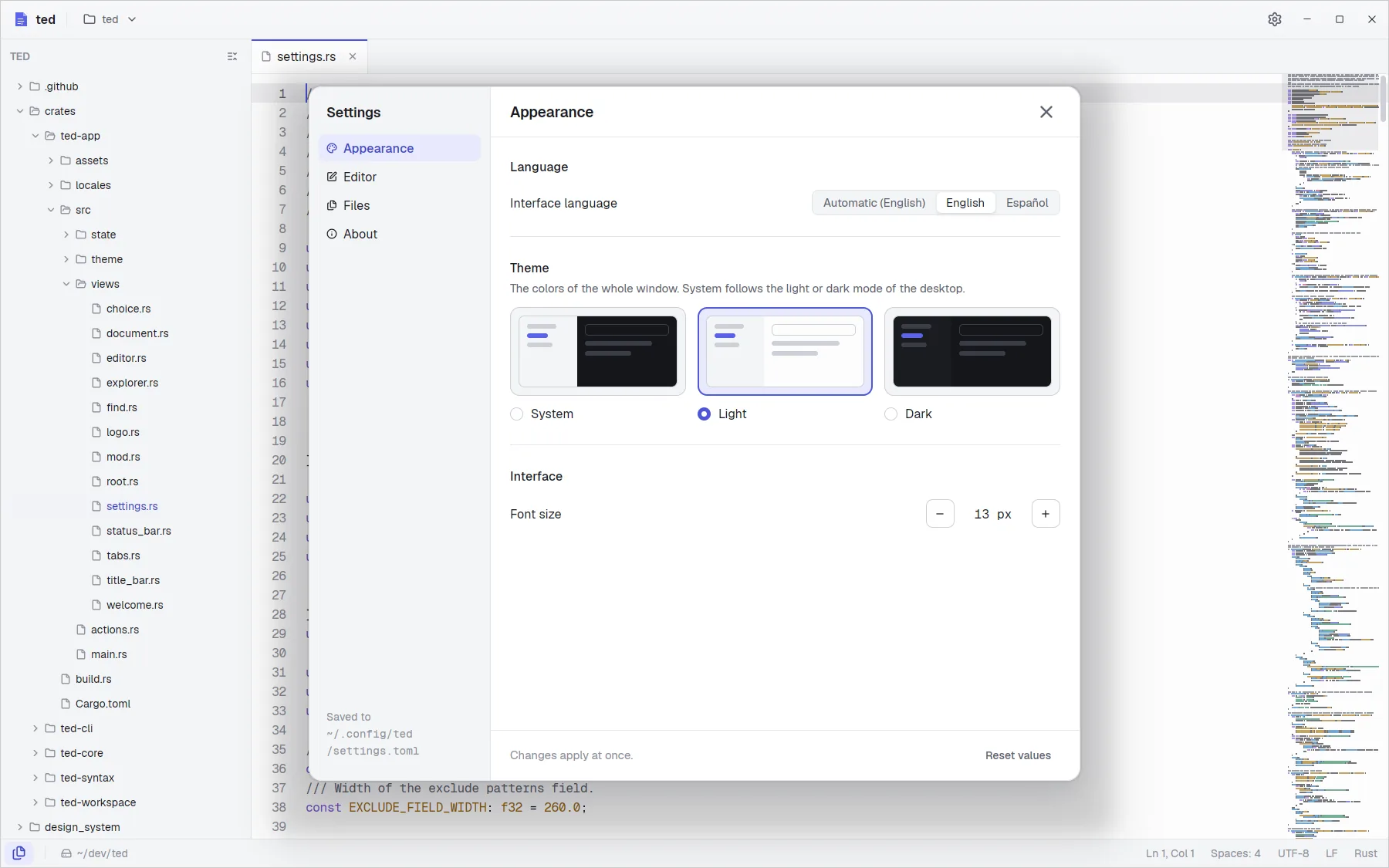
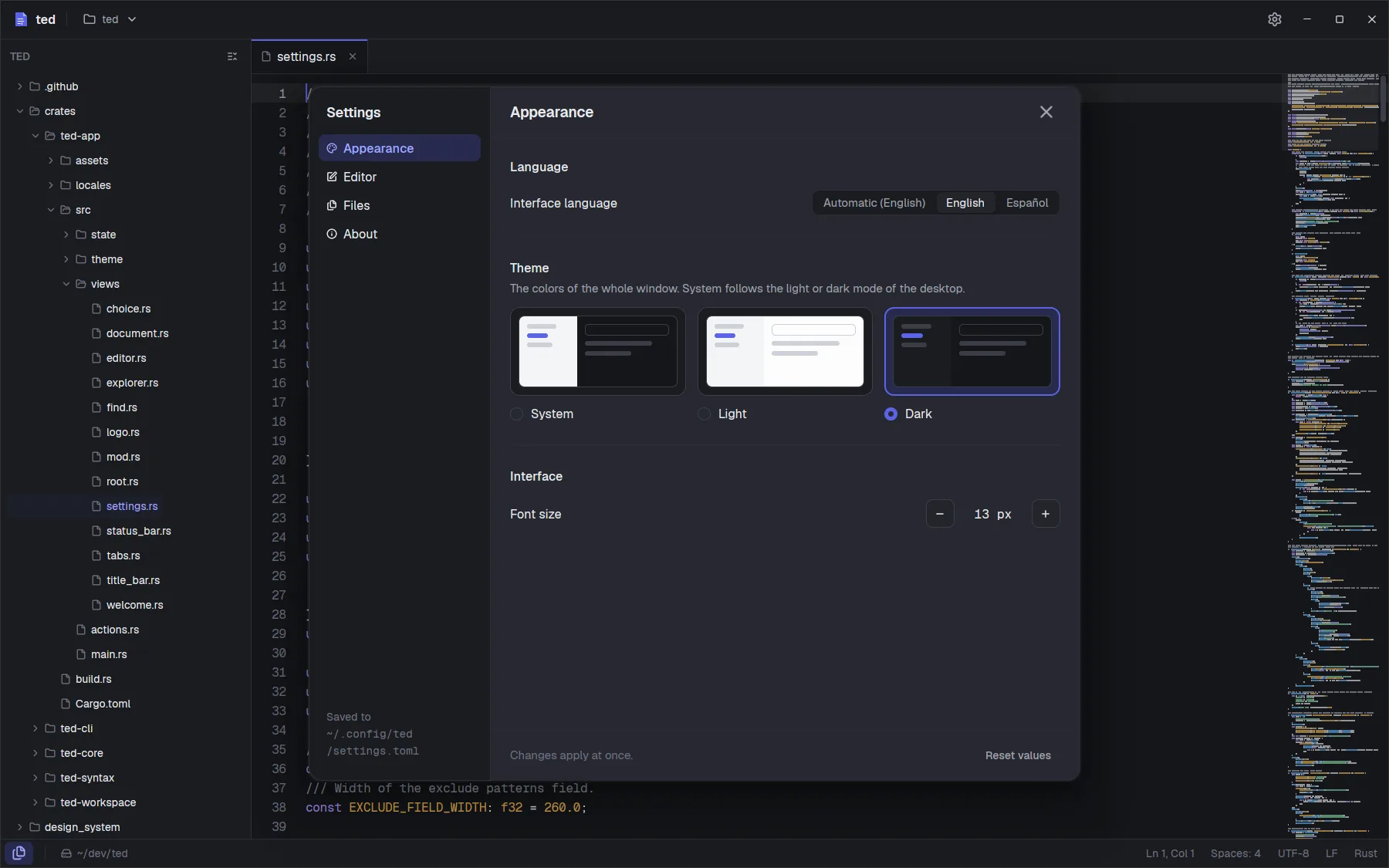
Light or dark, or follow your system. Pick the sizes, line numbers, the current line highlight, the minimap, the tab size and what saving cleans up. Every change shows at once and lands in a plain settings.toml.

  • English and Spanish
  • Trailing whitespace and the final newline fixed on save
  • Hide build folders from the explorer with .gitignore style patterns
The Settings window over the editor: the language, the three theme cards and the interface font size. The Settings window over the editor: the language, the three theme cards and the interface font size.

Pick up where you left off

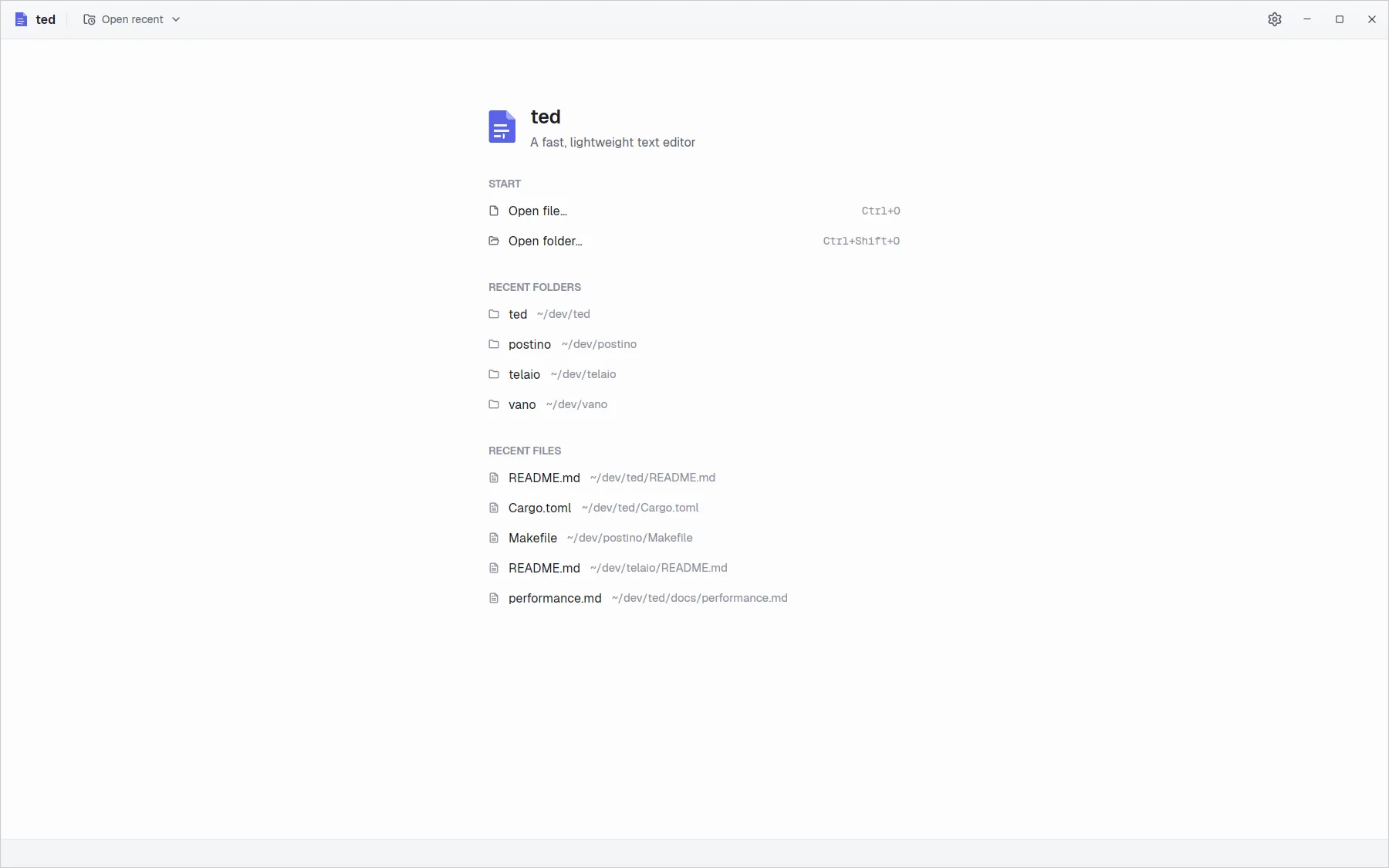
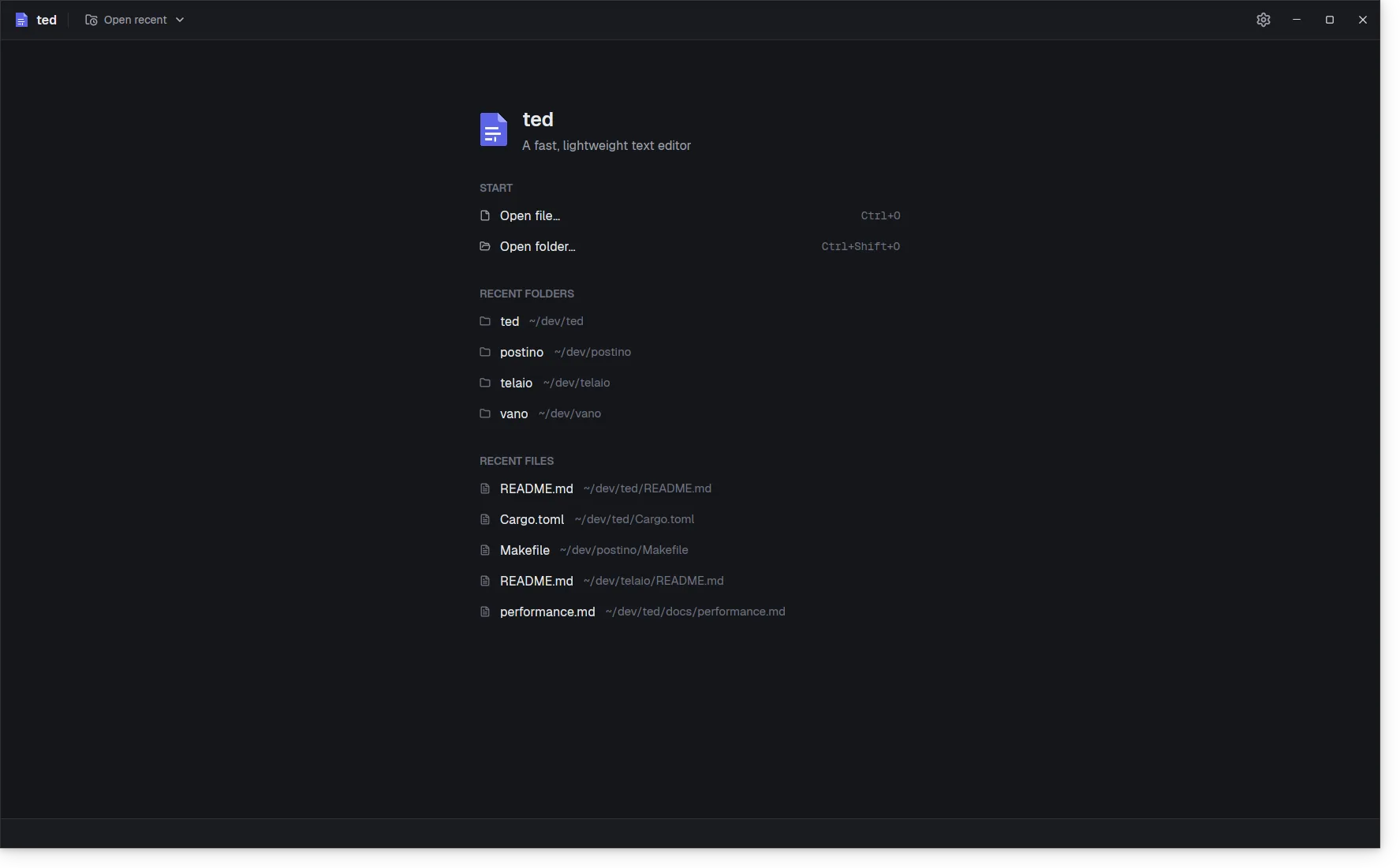
With nothing open, ted lists the folders and files you opened last. From a terminal, ted . opens the current folder and ted a.txt b.txt opens each file in its own tab.

  • Recent folders and files, one click away
  • Open file and Open folder with Ctrl O and Ctrl Shift O
  • The installers put ted on your PATH
The empty state: Open file and Open folder, then the recent folders and files. The empty state: Open file and Open folder, then the recent folders and files.
And more

The details that matter every day

  • Rust JSON TOML

    Syntax highlighting

    Rust, JavaScript, JSON, TOML, Markdown, HTML, XML and Makefiles with tree-sitter, parsed in the background and kept in step as you type.

  • .gitignore

    An explorer that keeps up

    Folders are read only when you expand them, ignored files stay hidden, and changes on disk show up on their own.

  • Ctrl S

    Saving you can trust

    Files are written atomically. ted asks before losing changes and notices when another program changes a file.

  • Ctrl F

    Find in file

    Every match highlighted on screen, a counter, case sensitivity, and the next or previous match with Enter and F3.

  • Minimap

    See the whole file

    The minimap draws every line in its colors. Drag it to scroll, or click to jump. Turn it off in Settings.

  • Ctrl Tab

    Keyboard friendly

    Switch tabs with Ctrl Tab, close them with Ctrl W, and toggle the explorer with Alt 1.

Give ted a try

Free and open source, for Linux, Windows and macOS. No account needed, just download it and open a file.